zeuntype

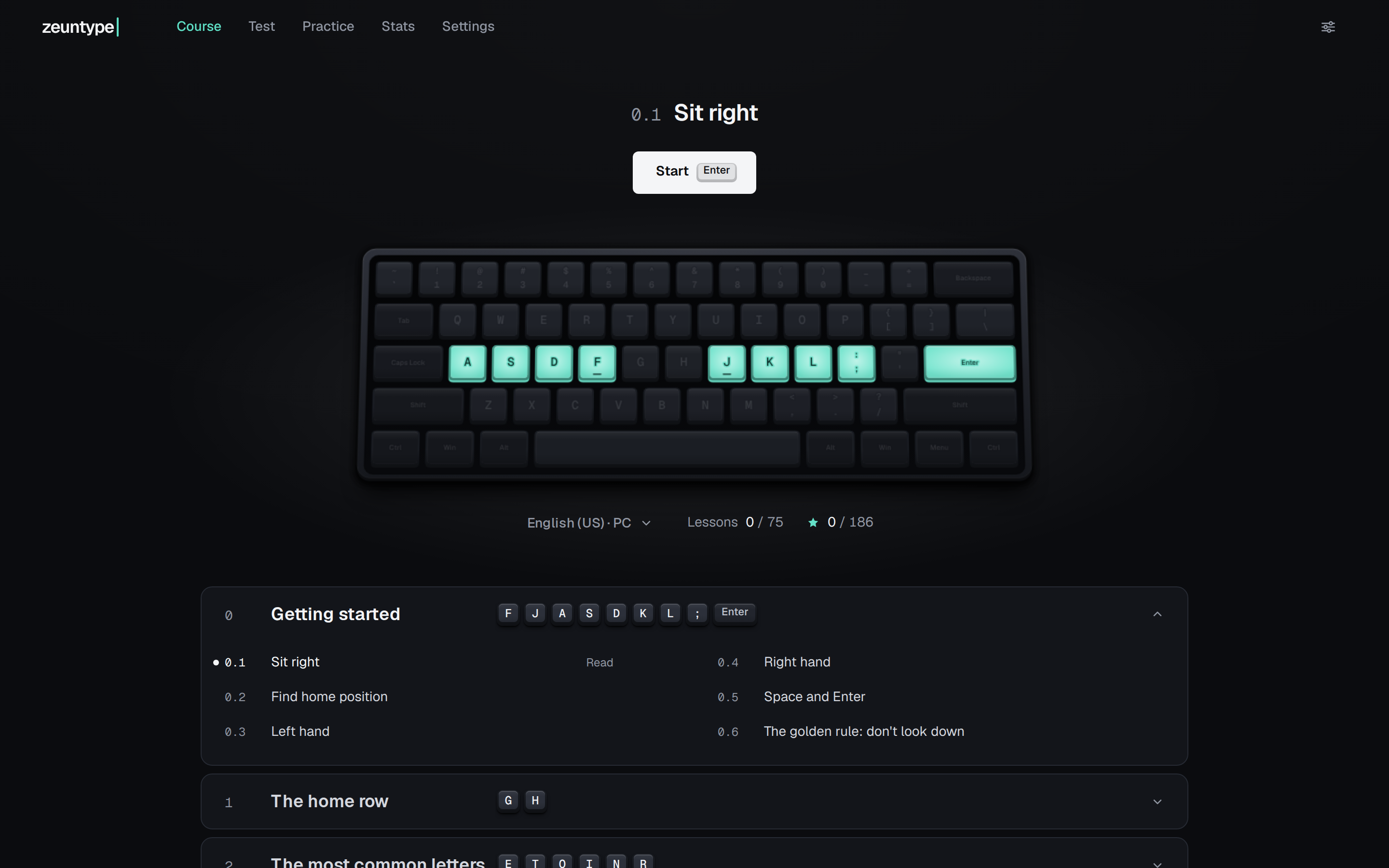
zeuntype's course map on a first visit. Lesson 0.1, Sit right, and a Start button stand above the on-screen keyboard, where the home-row keys A S D F and J K L, the semicolon and Enter are lit teal and every other key is dark. Below, the module Getting started lists its six lessons, from Sit right to The golden rule: don't look down.
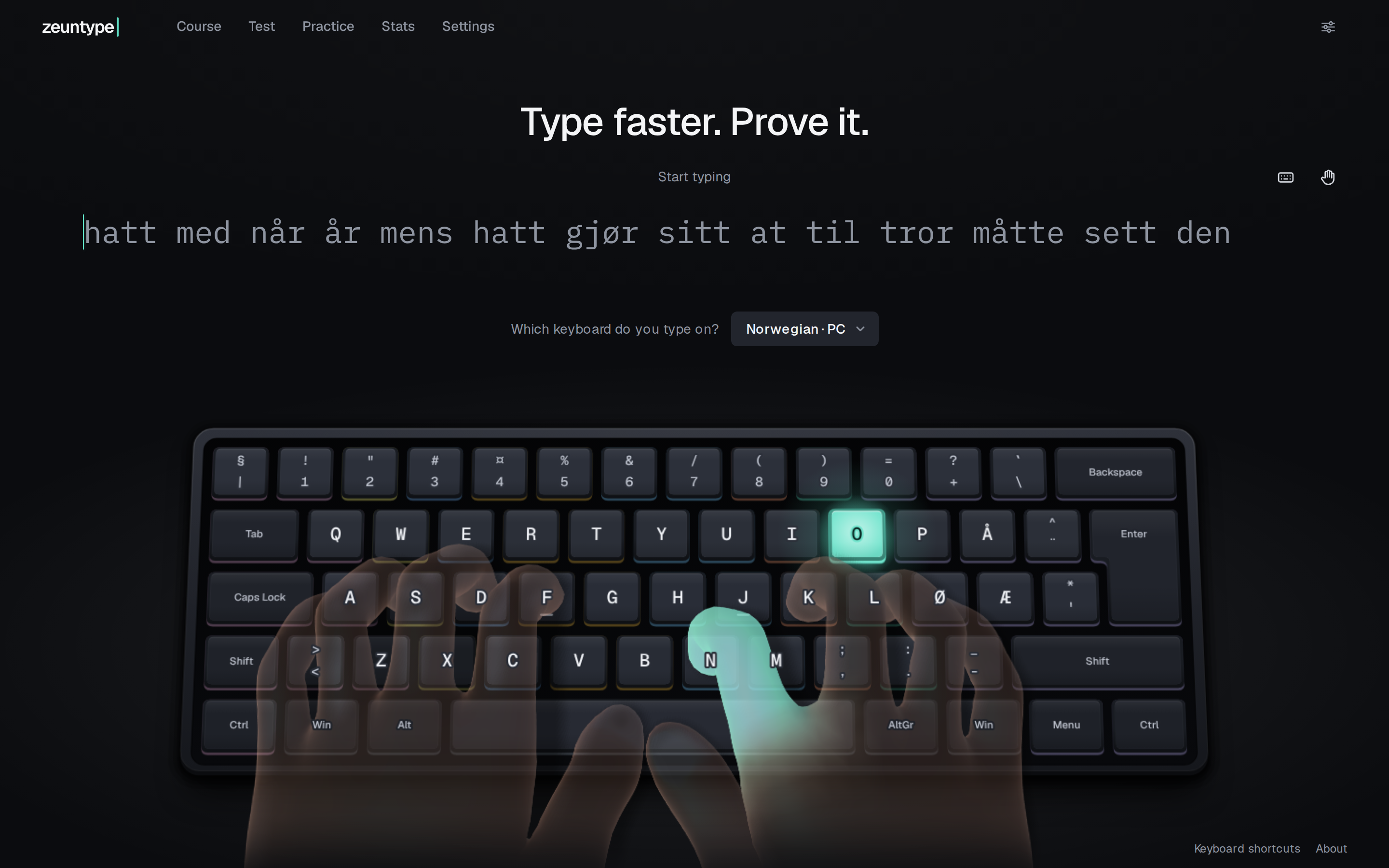
zeuntype's first screen with the Norwegian PC keyboard chosen. Under the headline Type faster. Prove it., a line of Norwegian words begins hatt med når år, and the on-screen keyboard carries Å beside P and Ø and Æ beside L. Translucent hands rest on the board, the right index finger glowing teal on N while the O key is lit.

test

Speed and accuracy, key by key

course

The board lights up as you learn

layouts

Your keyboard, on screen

A typing trainer in the browser: a course, a test and stats.

The test shows which keys slow you down, and a short drill works on those. A retest on fresh text shows whether it helped.

The course teaches touch typing from the home row to symbols and shortcuts.

SvelteKit · TypeScript · three.js